
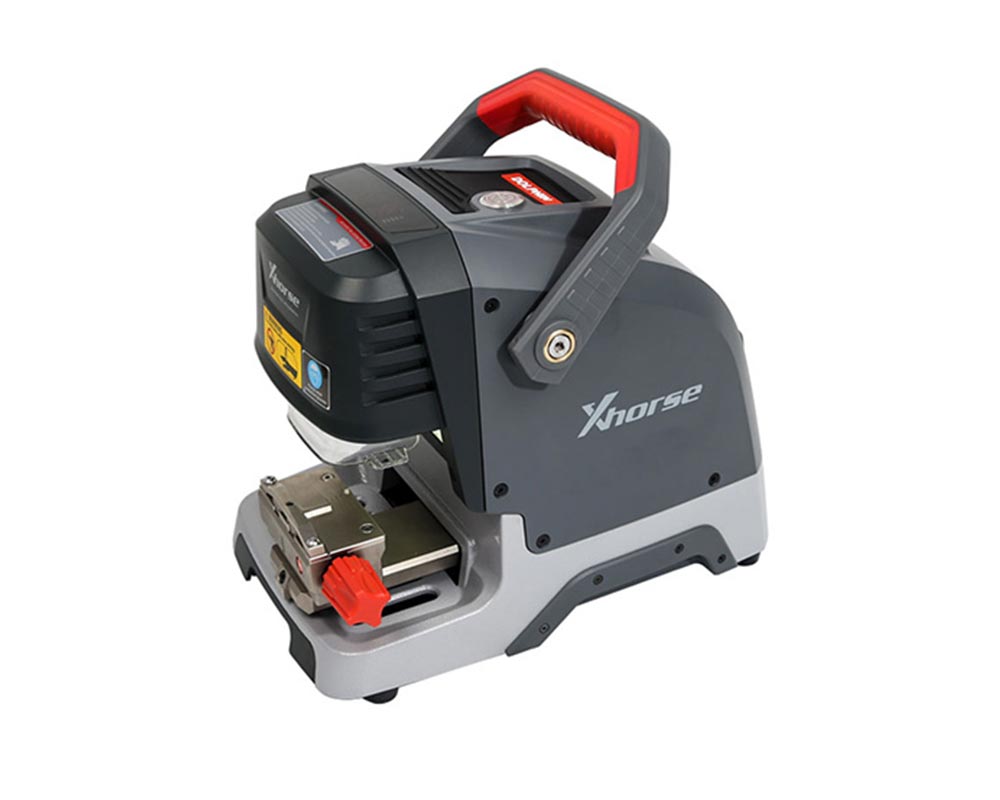
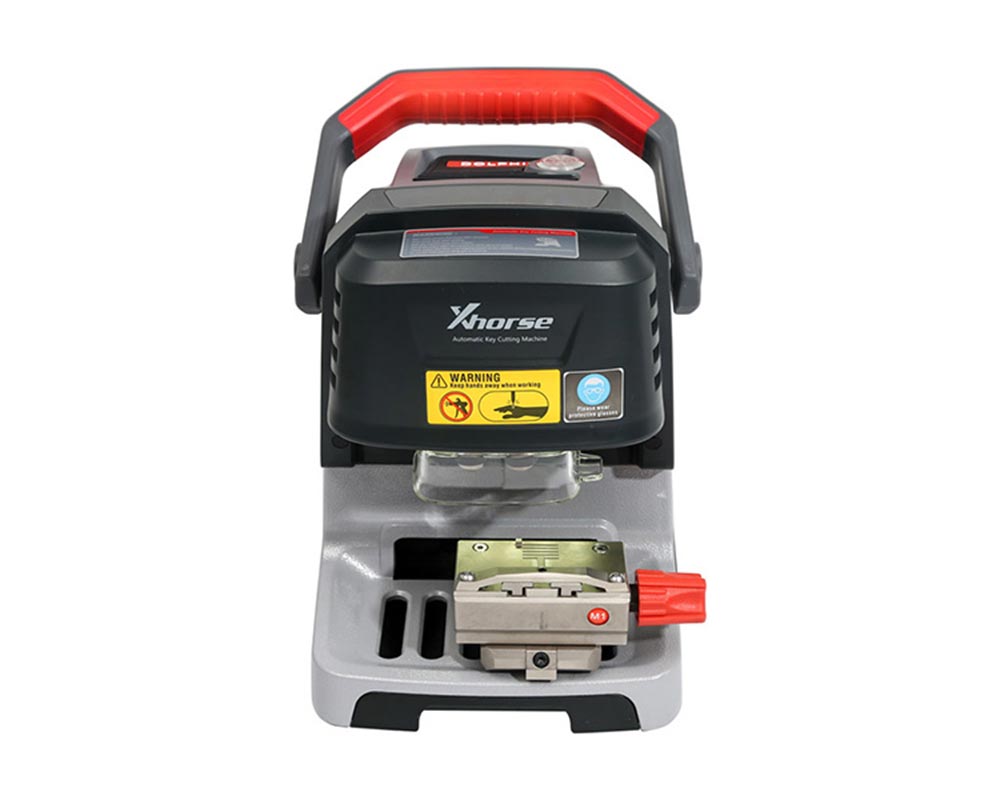
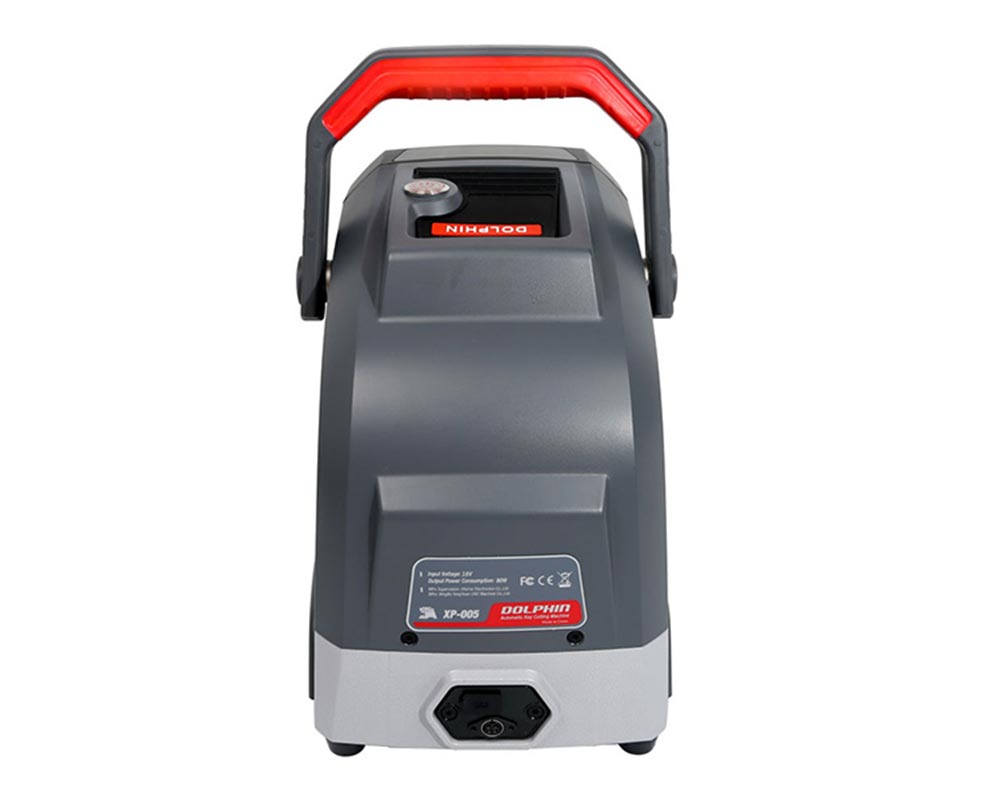
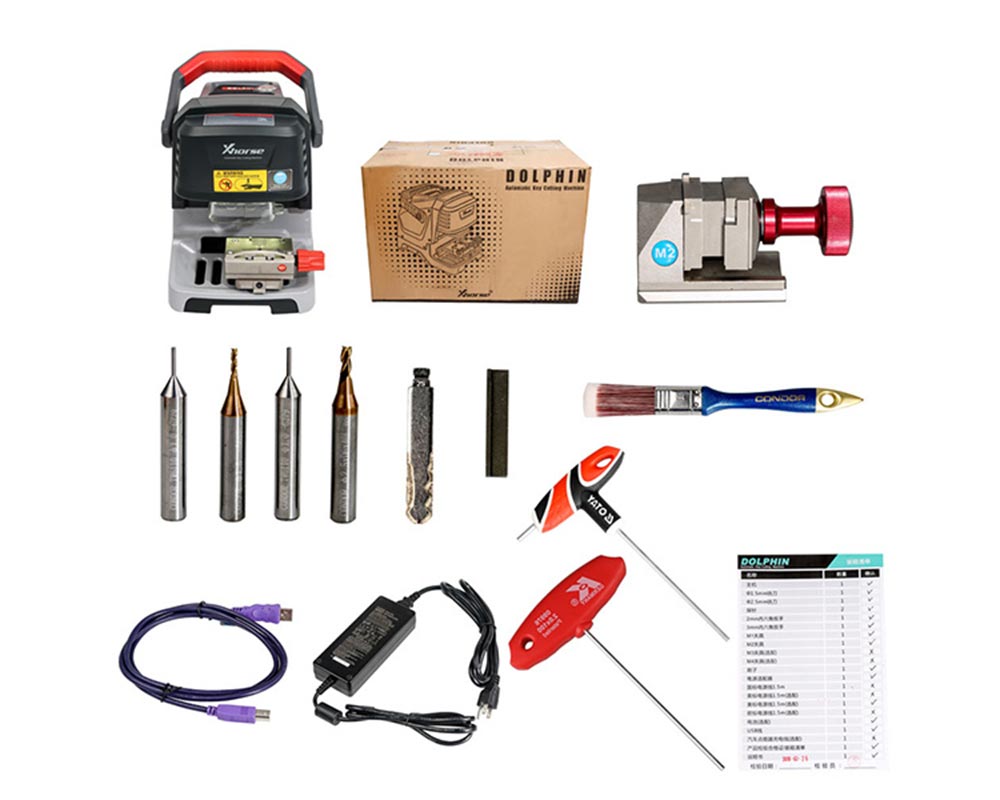
Xhorse Condor Dolphin XP-005 Automatic Key Cutting Machine
€1700.00
- NP3010
- Xhorse, Keys, Key Cutting Machines
Xhorse Condor Dolphin XP-005 Automatic Key Cutting Machine
The Condor Dolphin XP-005 Automatic Key Cutting Machine supports a wide range of keys, including sided, track, dimple, Tibbe, and some household keys.
Key Features:
- Latest Firmware Version: V1.5.2, Database: V85
- Free online updates via Upgrade Kit
- Bluetooth compatibility with both iOS and Android devices
- Built-in database identical to Condor Mini Plus, with support for all keys lost scenarios
- 1-year warranty on the machine and 6 months on the battery
- Supports plastic and aluminium keys
- The Xhorse APP is available in multiple languages, including English, Spanish, and French, with additional languages accessible through local dealers
- Can be paired with VVDI MB Tool or Key Tool Plus for 1 free token daily
- Features like bitting, reading from key blade photos, self-calibration, and universal key decoding
Note: The Dolphin XP-005 can cut laser and cylinder keys out of the box, with additional optional clamps (M3 Jaw Clamp for FO21/Tibbe and SX9 keys, and M4 Clamp for single-sided house keys).
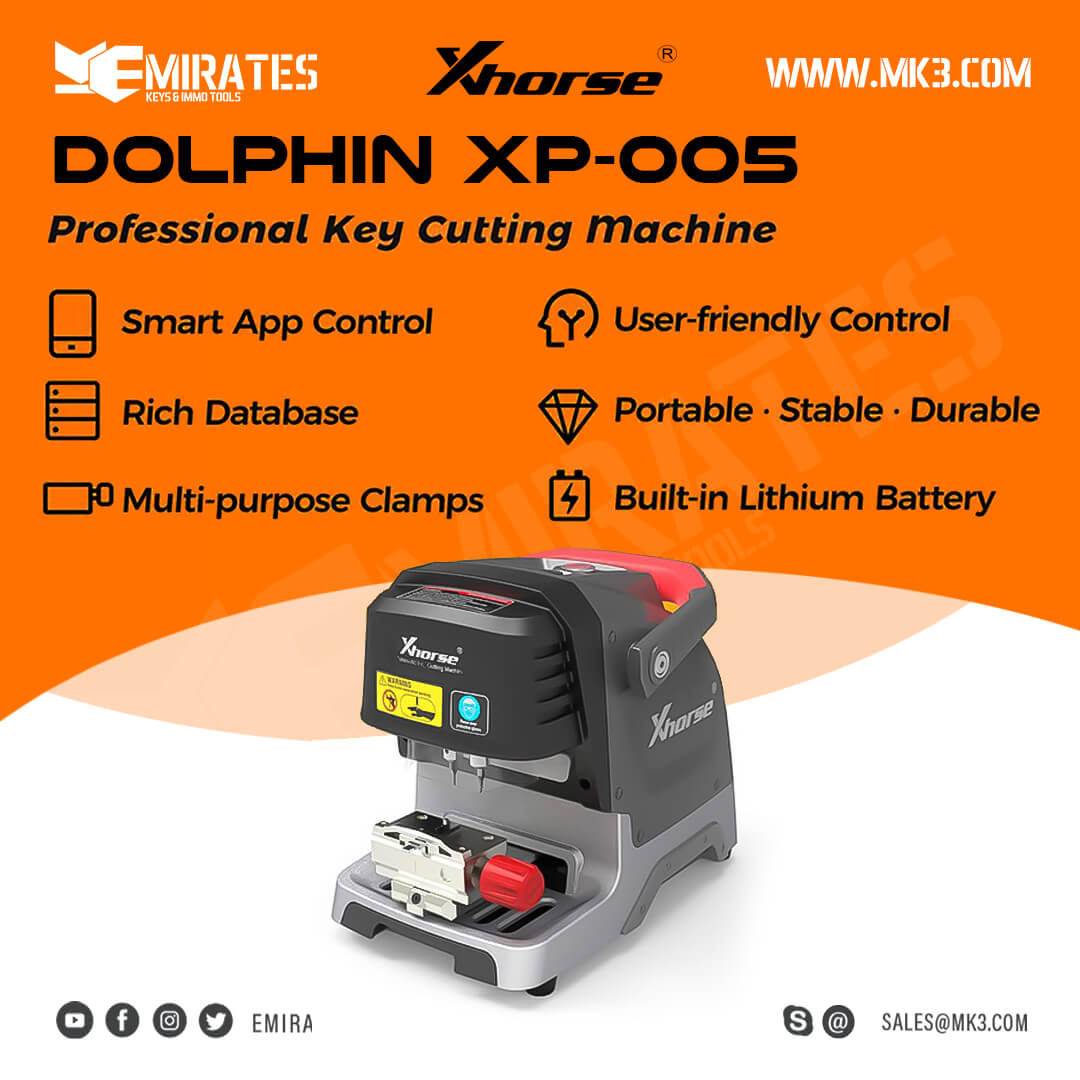
Xhorse Dolphin XP-005 Key Cutting Machine Features:
APP-Controlled Operation:
- Built-in Bluetooth functionality allows smart operations via a downloadable app.
- Compatible with Android devices (Android 4.0 and above) and Apple devices (iOS 8.0 and above).
Portable and Convenient:
- Compact design for optimal space utilization.
- Built-in lithium battery capable of cutting 30-50 keys on a single charge.
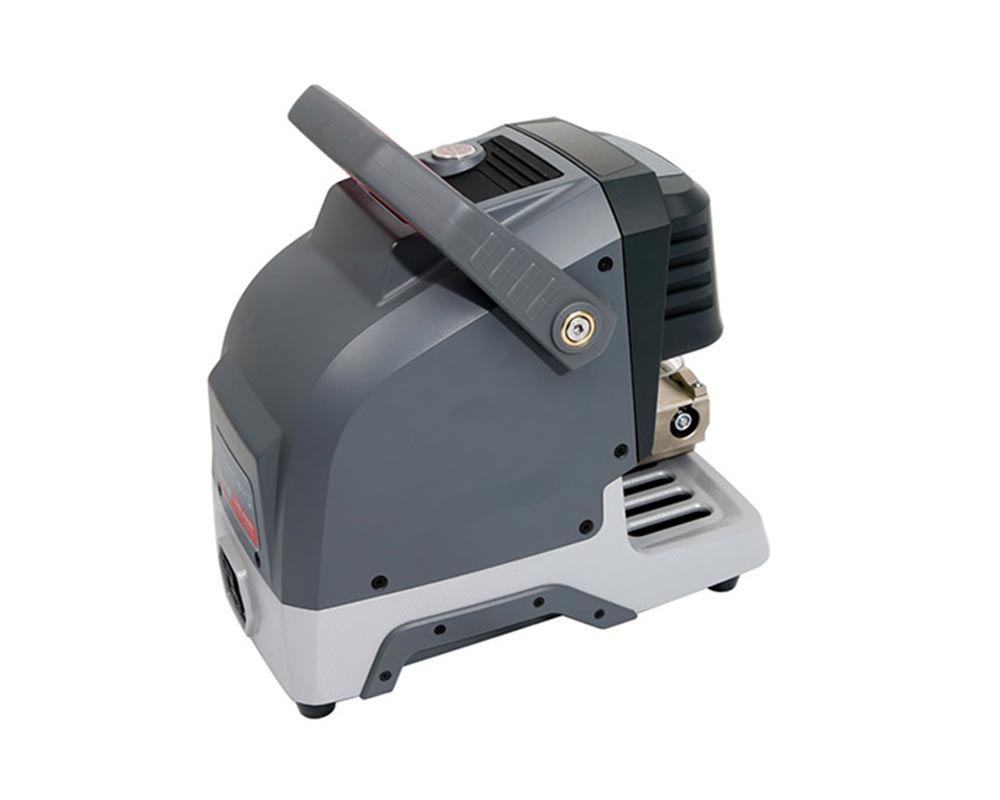
- Equipped with a sturdy handle for safe and portable movement.
Standard Clamps with Versatile Functions:
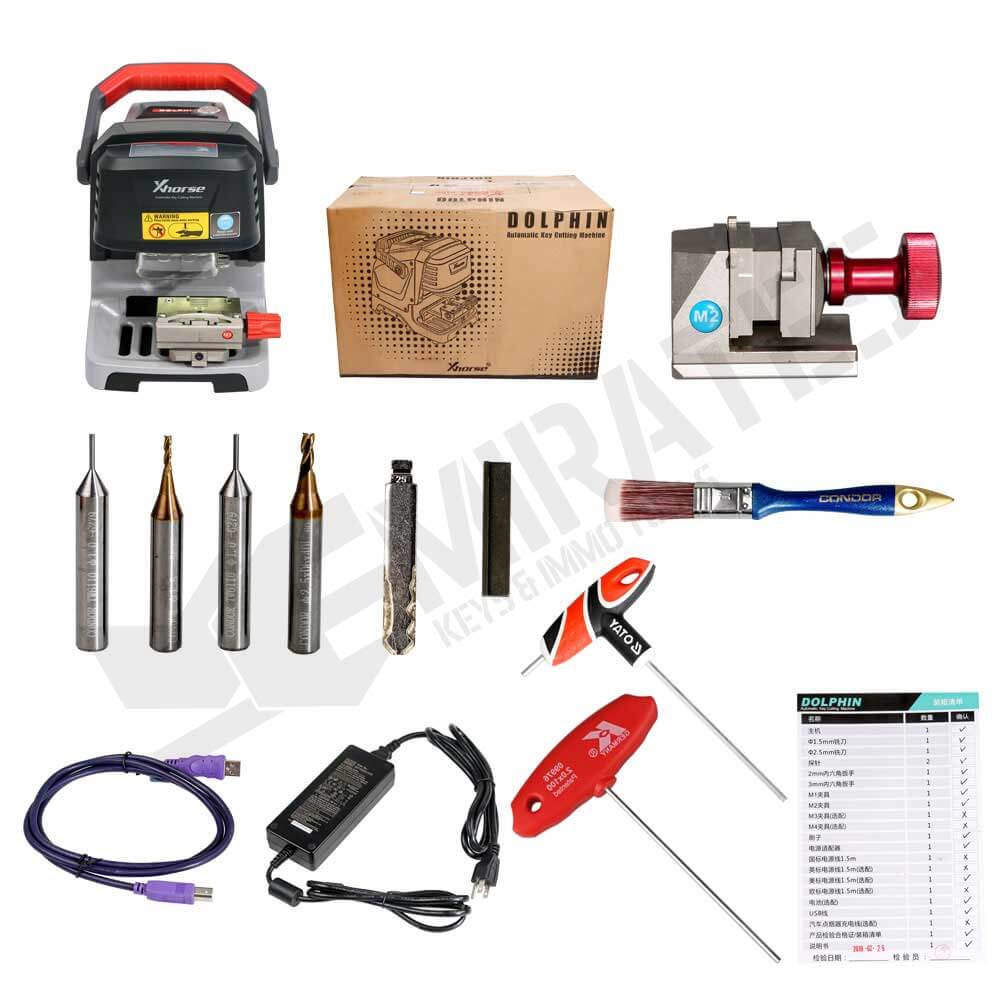
- Comes with two standard clamps, M1 and M2, supporting-sided, track, dimple, and Tibbe keys.
- Optional M3 clamp for Ford FO21 & Citroen SX9 keys and M4 clamp for single-sided house keys.
High-Quality Manufacturing:
- Constructed with an all-aluminium body, precision-manufactured using a German-made DMG CNC machine.
- Equipped with an American-imported 3-Axis Precision Ball Screw, ensuring high-precision cutting.
Data Richness:
- Provides extensive vehicle and blank key data, making it the ideal tool for all key lost scenarios.
Intelligent Control:
- Offers a powerful, multi-language app that supports control via smartphones, tablets, and other smart devices.
Built-in Lithium Battery:
- Features an optimized, stable, and reliable lithium battery, allowing for key cutting even without a power source.
Online Updates:
- Supports free online software updates with timely release of the latest information. The 24/7 update server eliminates the need to return the machine for updates.
Technical Support:
- Includes a one-year warranty, free technical support, and online service with remote control assistance.
Xhorse Condor Dolphin XP005 vs XP007:
- The Dolphin XP005 is an automatic machine that works with a phone app, offering a fast and easy experience.
- The Dolphin XP007 is a manual machine, requiring locksmith skills or key molds for all key lost situations, but is effective for cloning keys.
- Both machines are valuable tools for locksmiths, with the XP005 being particularly suitable for those learning the trade.
Updating the Dolphin XP-005 Key Cutting Machine:
1. Turn on the Xhorse Mini Dolphin machine and connect it to a computer via a USB cable to initiate the update process.
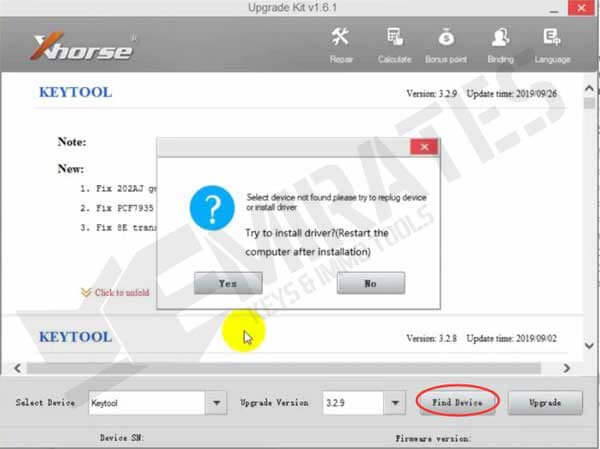
2. Launch the upgrade kit and select "Find Device." A small window will appear; choose "Yes," and the software will guide you through the driver installation process.
3. Select the appropriate driver for your machine from the options below. Ensure that all protective software is disabled before installing the driver, particularly if you're using a Windows 10 system.
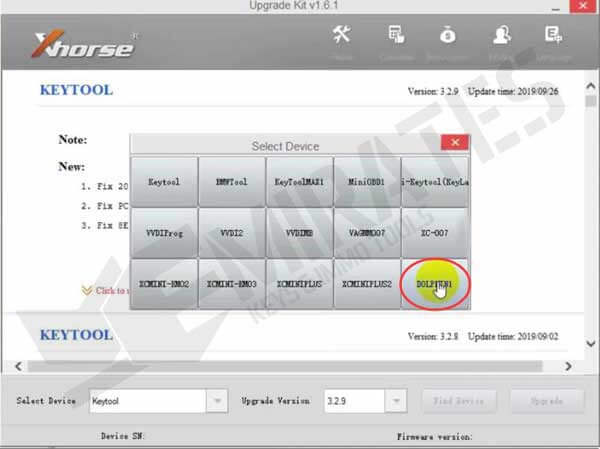
4. Install the Windows driver for the Dolphin machine.
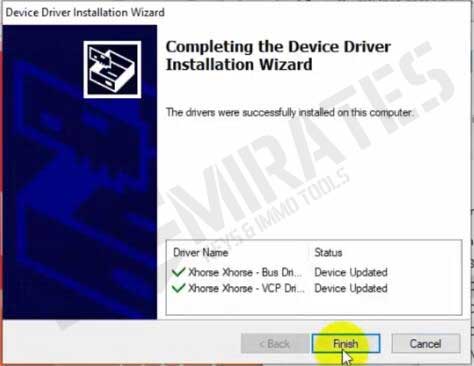
5. Once the driver is installed, open the "Upgrade Kit" and select "Find Device" again to check if the device serial number and firmware version are displayed. Do not choose "Update" until you can see this information. If the device isn't found, it means the driver wasn't installed correctly, and updating the machine without the driver could cause it to become inoperable.
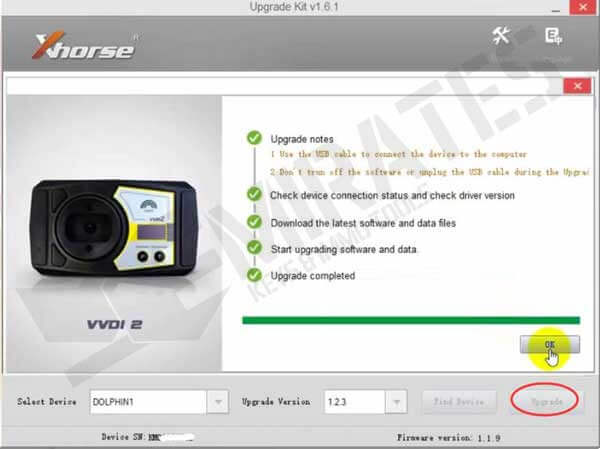
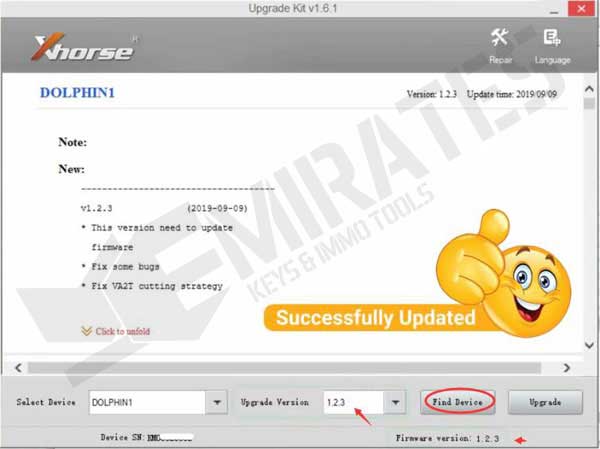
To update the Dolphin XP-005:
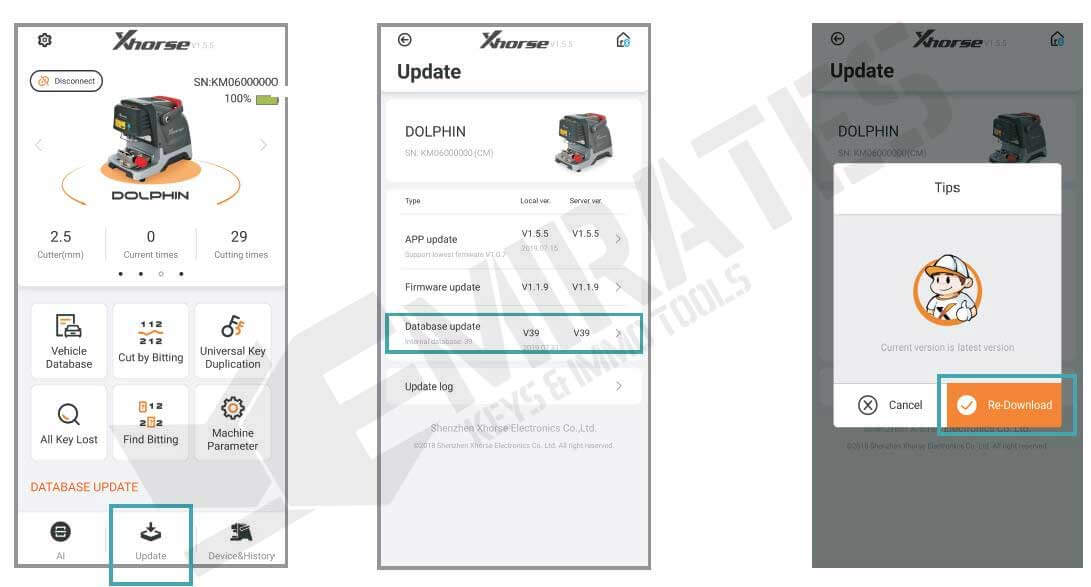
1. Access the Dolphin XP-005 main interface and select "Update."
2. Click "Database Update."
3. If a new version is available, click "Update" to download it. Confirm by clicking "OK" once the download is complete.
4. If you're connected via mobile data, a prompt may indicate data charges; it's recommended to use Wi-Fi for downloading.
Condor Dolphin XP-005 Update Log:
V1.5.1 (2021-04-07)
- Added support for additional Chinese car models
- Fixed key data alignment issues
- Resolved Honda cycle key data problems
Database V72 (2021-01-14) GL
- Added support for additional Chinese car models
- Added Buick Excelle key data
- Fixed HU134 key data issue
- Optimized key cutting for Mahindra Bolero (IN version)
- Added key data for TATA Aria, Bolt, Zest (IN version)
Xhorse Dolphin Key Cutting Machine Specifications:
- Operating Temperature: -10 to 50°C
- Input Voltage: 12-24V
- Battery Capacity: 64.75 Wh
- Cutting Power: 100W
- Standby Power: 15W
- Motor Speed: 10,000-13,000 RPM
- Rated Torque: 0.15 Nm
- USB Port: USB 2.0
- Machine Dimensions: 315 x 218 x 270 mm
- Package Dimensions: 510 x 315 x 345 mm
- Net Weight: 15 kg
- Gross Weight: 18 kg
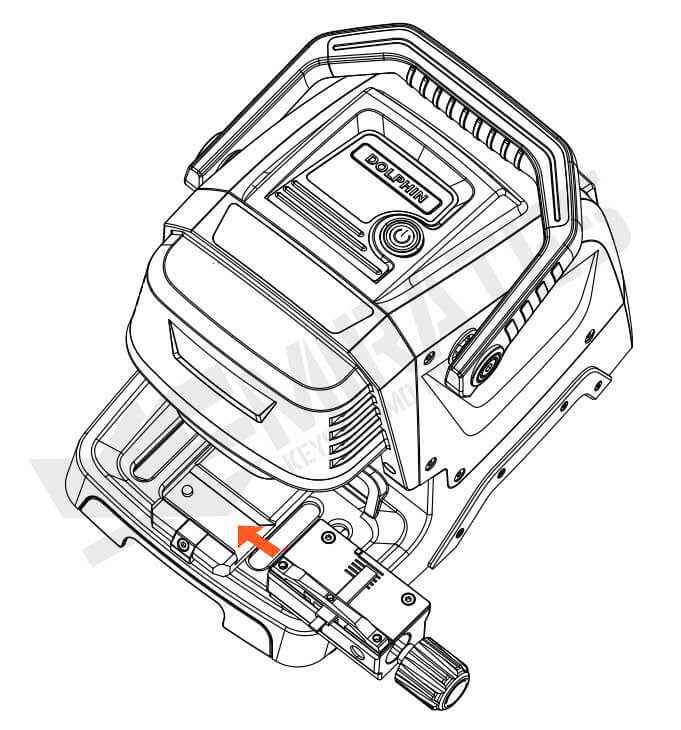
Dolphin Clamp Installation Instructions:
1. Unscrew the clamp locking screw.
2. Select the appropriate clamp for your keys, slide it into the clamp holder, and push it fully from the right side.
3. Tighten the clamp locking screw to secure the clamp in place.
Main
- Xhorse
Product Specifications
- New