
Xhorse VVDI Mini OBD Tool for VVDI Key Tool Max
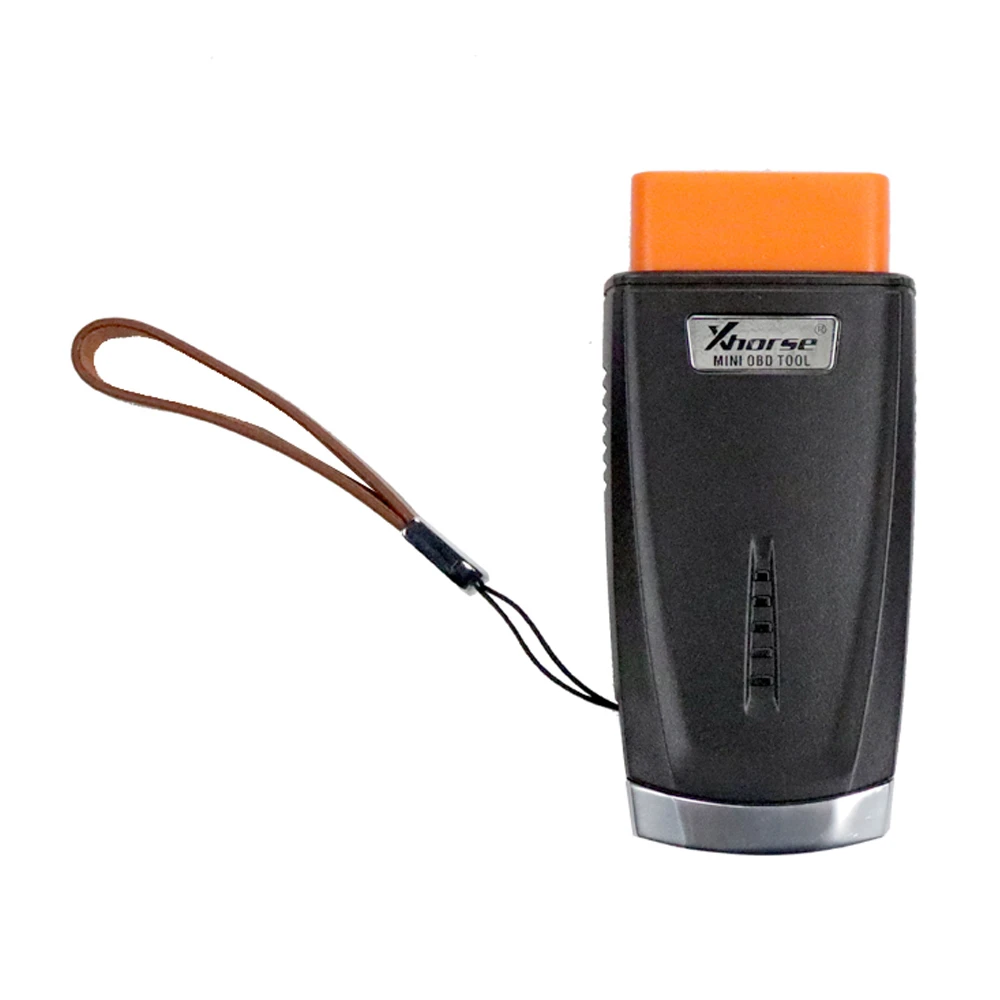
The Xhorse Mini OBD Tool is a compact, wireless OBD vehicular interface designed for advanced diagnostic reporting, manipulation, and immobilizer programming. It seamlessly integrates with the VVDI Key Tool Max, enabling professional locksmiths and automotive technicians to perform key programming, remote generation, and various vehicle diagnostics effortlessly.
Specifications:
Manufacturer: Xhorse
Condition: New
Key Features & Functions:
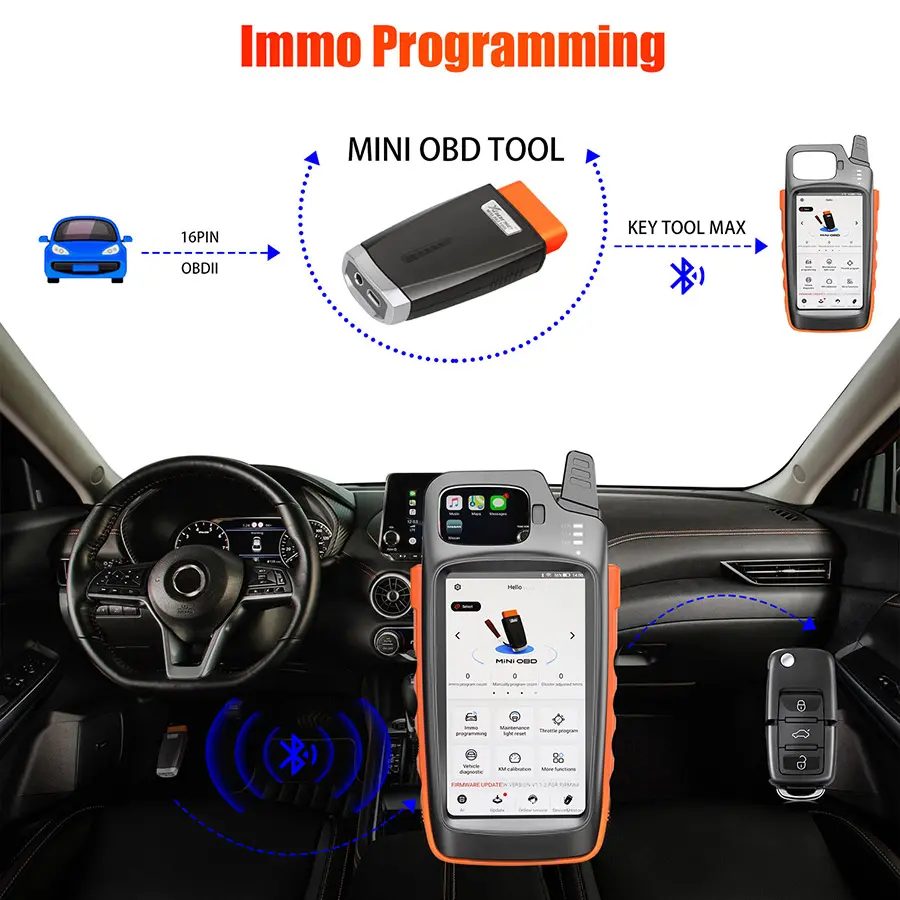
- Immo Programming: Supports programming of transponders and smart keys when cloning is not possible or all keys are lost.
- Throttle Programming: Enables throttle adaptations for smoother vehicle performance.
- Remote & Transponder Operations: Works with VVDI Key Tool Max to generate transponders, clone remotes, and match transponders, remotes, and smart cards via OBD.
- Vehicle Data Reading: Retrieves VIN and immobilizer data for precise key programming.
- OBD-Based Key Creation Workflow: Guides users through key creation and programming in structured steps.
Additional Functions (Under Development):
- Battery Programming
- Odometer Correction
- Steering Angle Calibration
- Key Code Learning
- EABS Programming
- Remote Manual Programming
- Vehicle Diagnosis
- Tire Pressure Light Reset
- Maintenance Light Reset
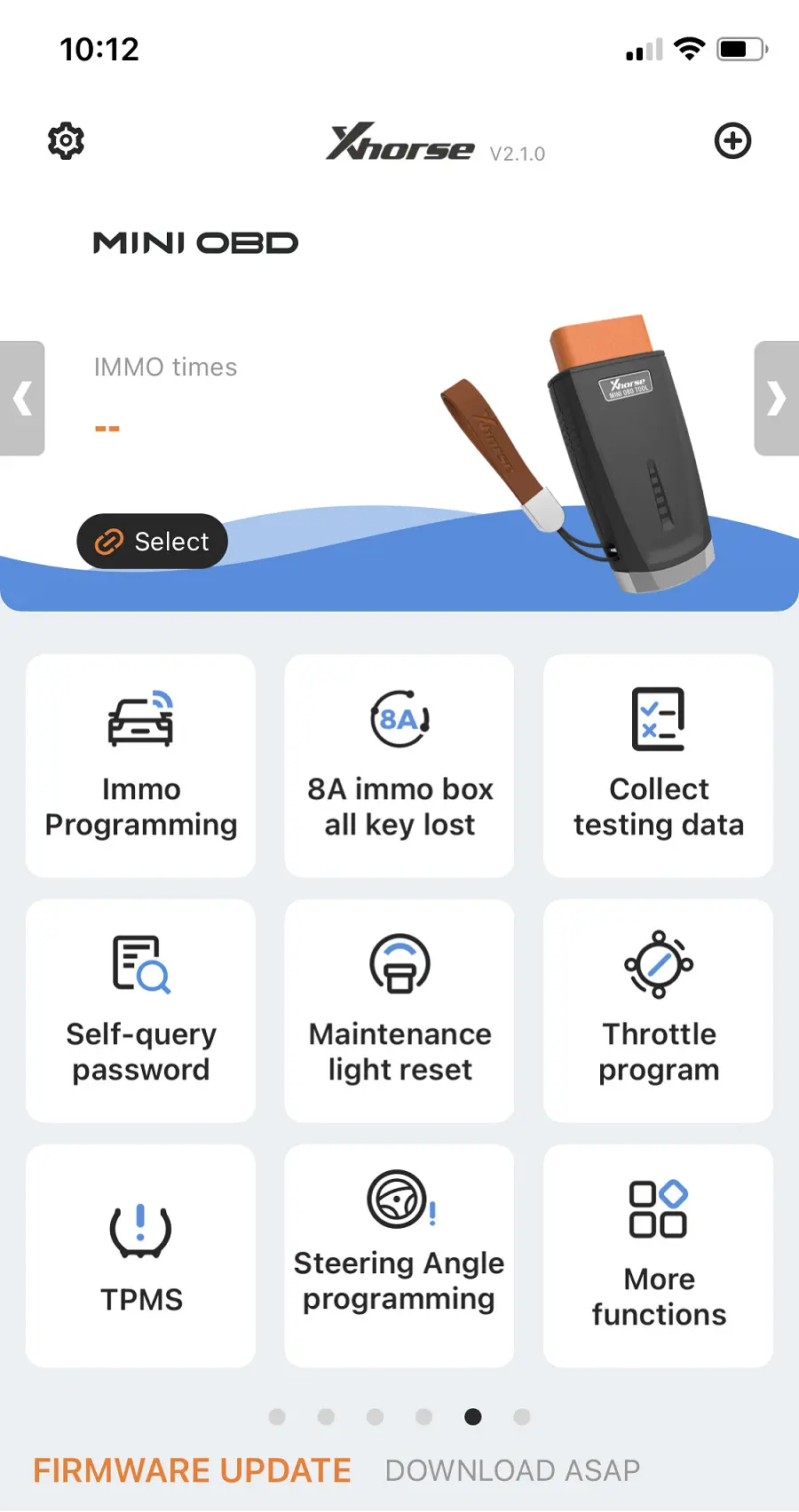
How to Connect Mini OBD with Key Tool Max:
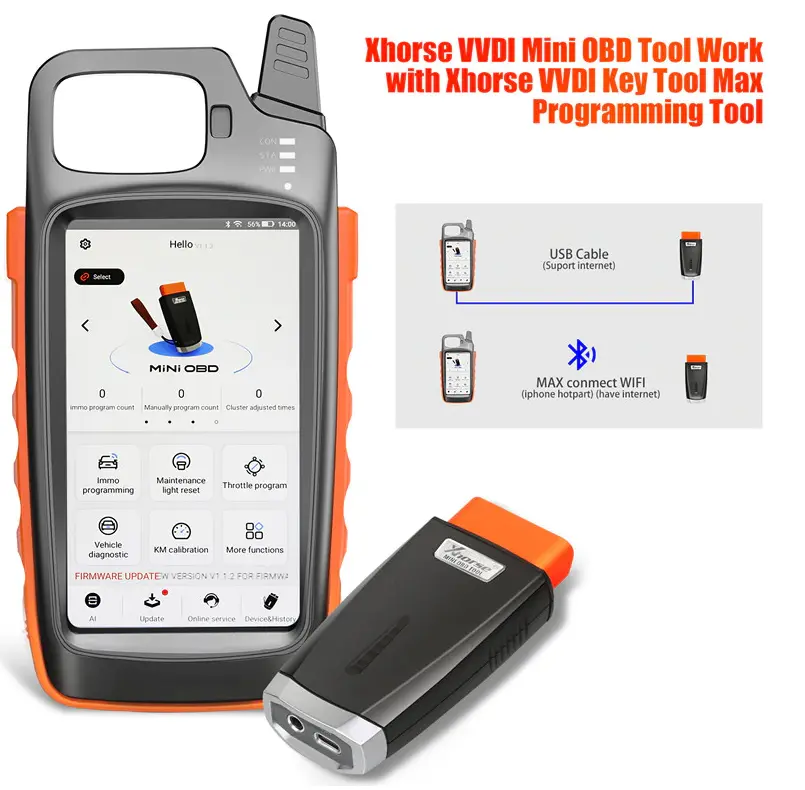
There are three connection methods:
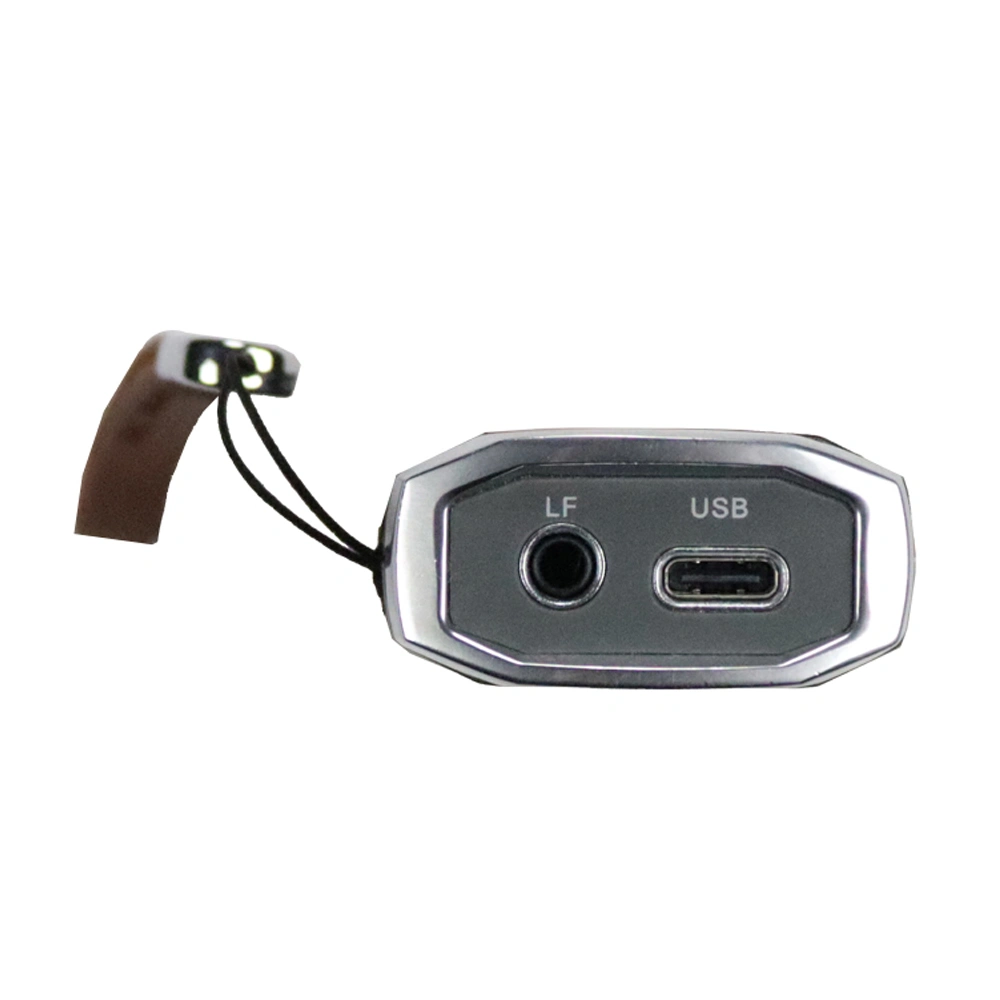
- USB Type-C Cable
- Wi-Fi
- Bluetooth
To connect:
- Click on [Select] on the Key Tool Max home screen.
- Available devices will be displayed.
- Choose the Mini OBD Tool based on its serial number.
- The software will automatically detect the current connection status.
Software Updates:
Updating the VVDI Mini OBD Tool software is straightforward:
- Install the Xhorse Key Tool Upgrade Kit on a PC with an internet connection.
- Connect the Mini OBD Tool to the PC using the provided USB cable.
- Follow on-screen instructions—do not turn on the Key Tool Max at this stage.
- The upgrade kit will detect the device and update the firmware in sequence (do not skip versions).
- Once updated, turn on the Key Tool Max, pair via Bluetooth, and complete the setup.
Why Choose Xhorse Mini OBD Tool?
This versatile tool is an essential addition to any locksmith’s arsenal, providing a one-system solution for efficient key programming and vehicle diagnostics. With continuous software updates and a user-friendly interface, the Xhorse Mini OBD Tool ensures compatibility with evolving vehicle security systems.
Main
- Xhorse
- Key Tools